
Send a test email
Preview an email before you send it to your full list by using Test Email, or by sending the live email to yourself first.
Send a test email from the editor
Use Test Email while the email is open to send a preview without delivering to your campaign audience.
Open the email you want to test.
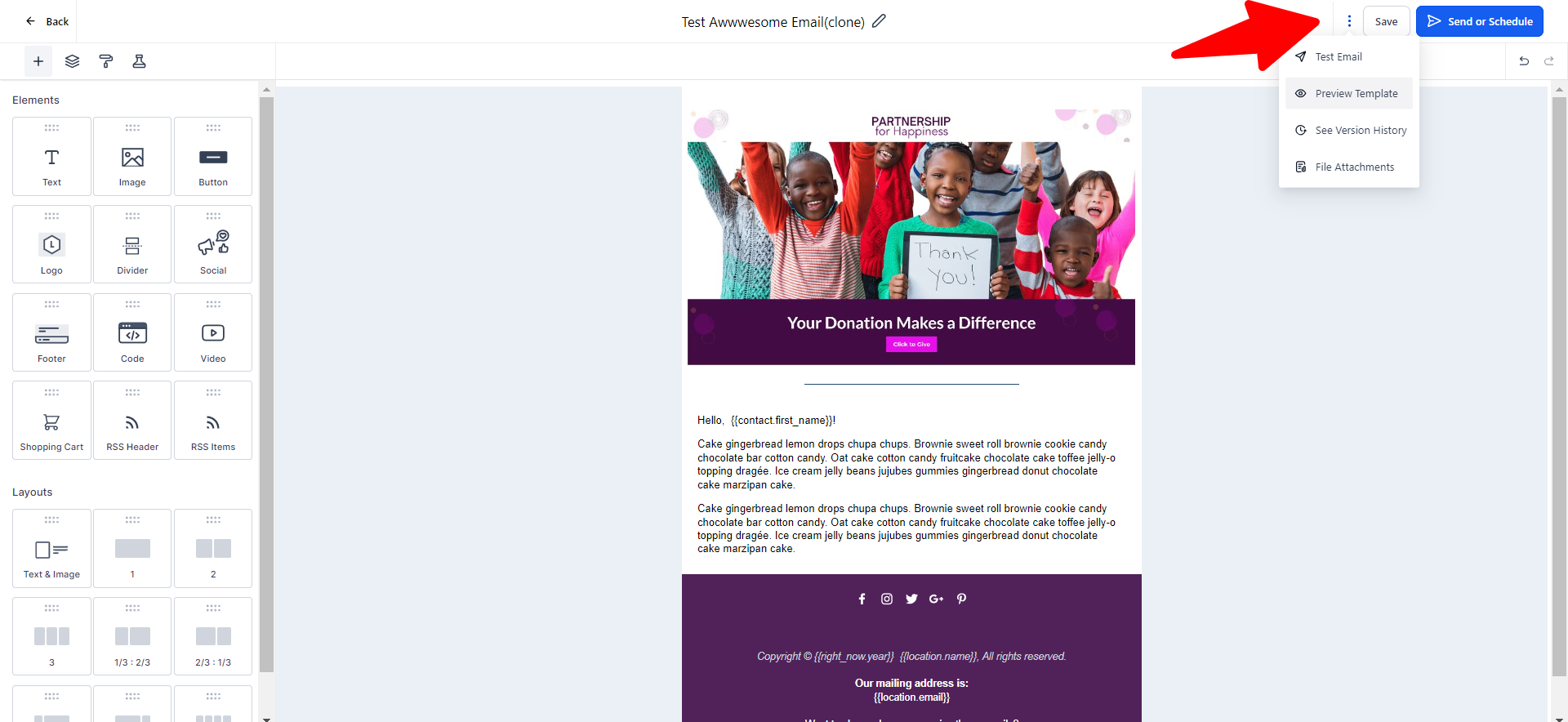
Click the three dots in the top right and select Test Email.
Enter a from address, the address that should receive the test, and a subject line.
Click Send Test Email.
When you use Test Email, custom values may not fill in. For example, {contact.email} may appear blank.
Send the live email to yourself only
Send the email for real to yourself as a single recipient when you need custom values to fill in exactly as they will for contacts.
Send the email to only your own address as the single recipient.
Review the delivered message, including filled custom values.
If everything looks correct, open Campaigns, duplicate the email, and send the duplicate to your full audience.